One-to-one online coaching
Your Personalized Digital Classroom
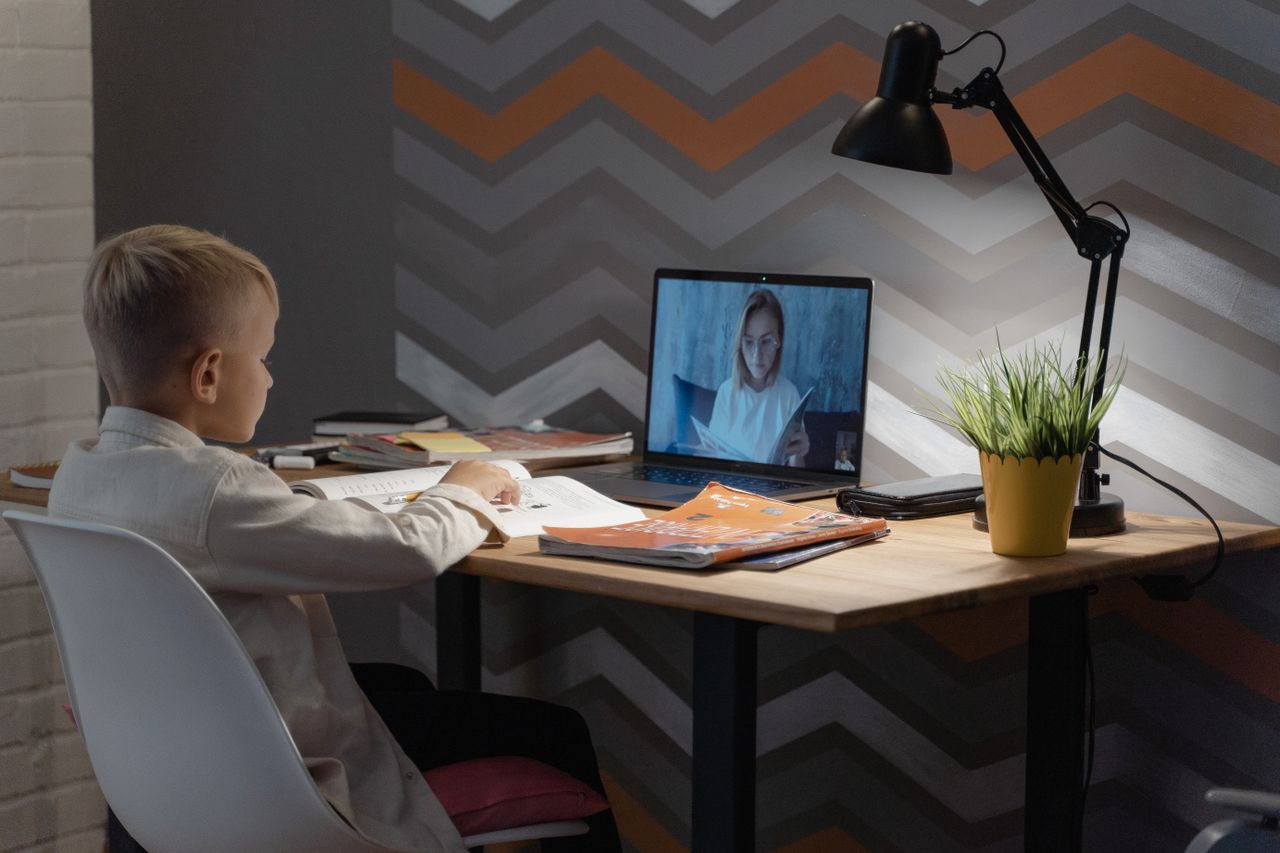
SIMS Classroom brings the teacher and the student together in one simple classroom: chapter PDFs, an interactive whiteboard, homework, quizzes and a saved history of every lesson.
- Upload a chapter in 30 seconds
- Classes counted automatically
- Whiteboard works with touch and stylus
- Only your own lessons are visible
From a chapter PDF to a saved lesson
-
Step 1
Upload the chapter
Parents enter a chapter name, choose the PDF and press Upload. That is all.
-
Step 2
Teach with PDF + whiteboard
The teacher opens the chapter and explains it on a digital whiteboard.
-
Step 3
Homework and quizzes
Work is assigned, uploaded, reviewed with feedback, then practised in a quiz.
-
Step 4
Every lesson is saved
Notes, PDF, whiteboard and homework stay together in Lesson History.
Made simple for parents
No long forms. Type the chapter name, pick the PDF and press Upload. The classroom already knows which student it belongs to, and the teacher is ready to teach from it.
See upcoming classes, how many classes remain, pending homework and recent lessons, all on one calm page.